
NVIDIA GeForce RTX — AI on your own computer
Three films for NVIDIA on generative AI on a GeForce RTX 5090 PC: images and video in ComfyUI plus automation with n8n. Over 60k views.
The brief
Gamma PR invited me to the NVIDIA RTX AI programme, in which creators show AI running on a local graphics card. I wrote three scripts for social media films and recorded them on a PC with an NVIDIA GeForce RTX 5090 and NVIDIA Studio drivers. It was a paid partnership with NVIDIA, labelled in every post.
3 films on local AI in ComfyUI
Each film is a separate test on the same computer: images, video and automation.
1. Images in ComfyUI: NVFP4 vs BF16
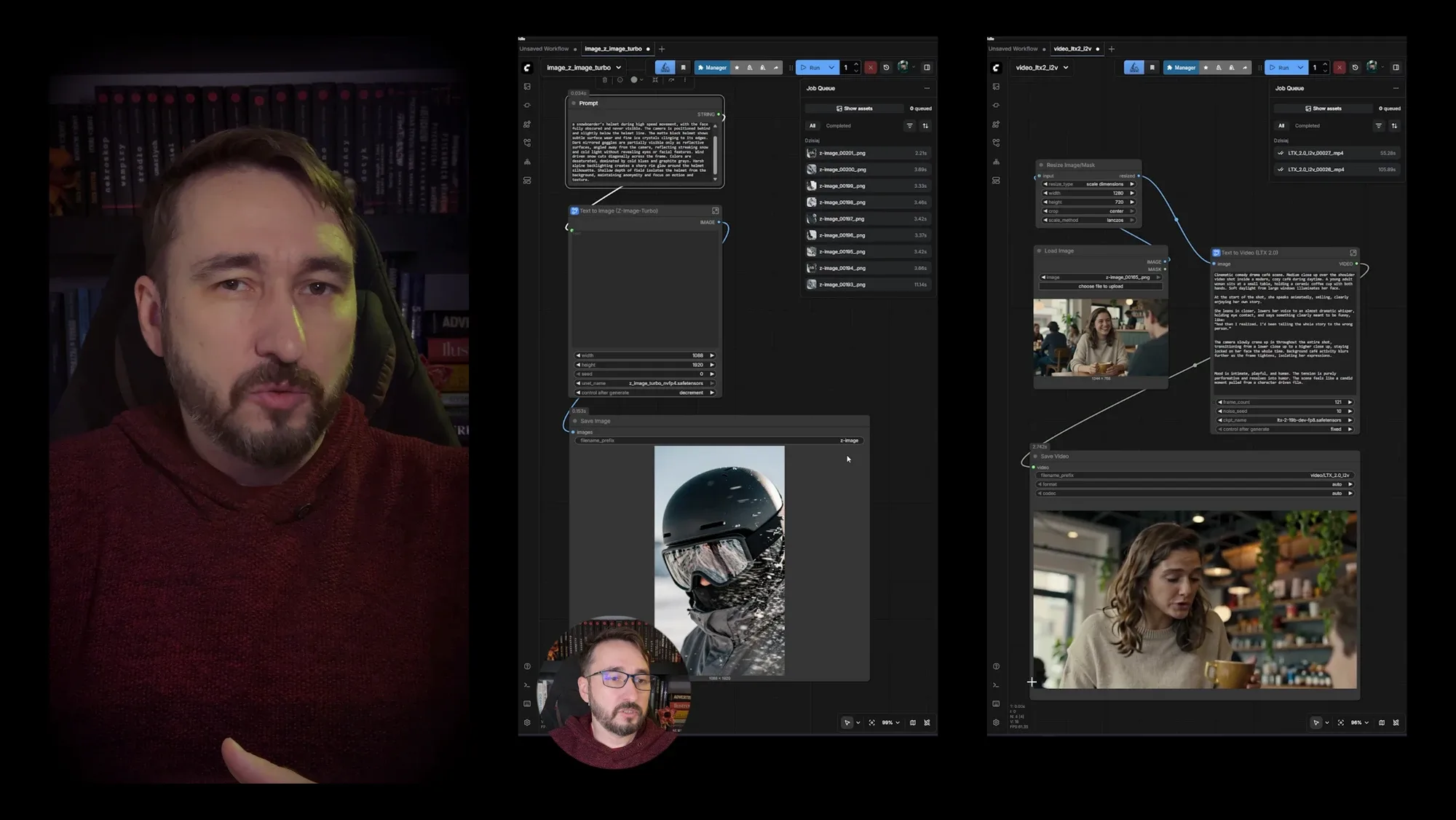
NVIDIA optimised its drivers for ComfyUI: native support for the NVFP4 format brings up to three times the performance and 60% lower memory use. I tested it on the Z-Image template. In BF16 the first image, including model loading, took 11 seconds and the next ones about 3.4 seconds each. In NVFP4 the first took 3.7 seconds and the next ones about 2 seconds, with the same image quality. That speed works great for storyboards and quick framing checks. You can also watch the full film on YouTube.
2. Video in ComfyUI: the LTX-2 model
I ran Lightricks’ open LTX-2 model from a ComfyUI template: a start image, a prompt and done. A four-second shot in 720p took 105 seconds including model loading, further variants under a minute, and a Full HD 1920 × 1080 version 104 seconds. That is enough to build an animatic, show it to a client and run a focus test before the actual production. More on local video generation in NVIDIA’s guide. You can also watch the full film on YouTube.
3. Automation: n8n and ComfyUI
Local AI makes real business sense when there is no internet on location, data has to stay on the device, or the project scale outgrows the cloud credit budget. I showed how to run n8n on your own computer and connect it to ComfyUI: prompts and aspect ratios read from a Google Sheet, a loop over the rows, a Z-Image workflow exported as API, finished files saved to Google Drive and a “done” status written back to the sheet. That is how I produced over 400 product images in one night. You can also watch the full film on YouTube.
The result: over 60,000 views
I published the films at the end of January 2026. By mid-February they had gathered over 60,000 views in total.
Have a similar project?
Tell me what you are working on and I will get back to you with a proposal.