OtterMind Krystian
Wydro
PL
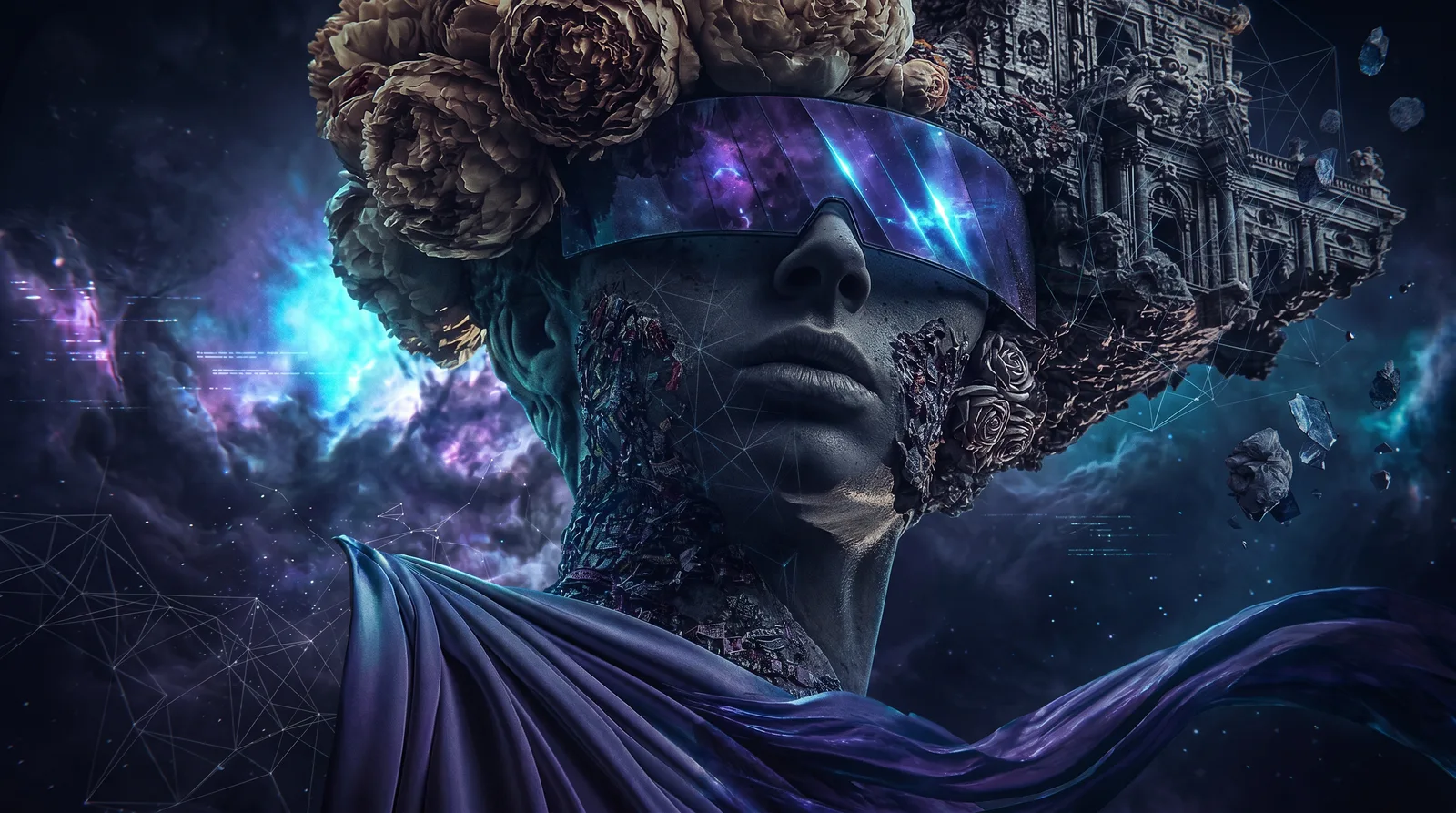
An antique statue wearing futuristic glasses, surrounded by flowers and cosmic dust: an AI frame by Krystian Wydro
Knowledge base Guide: AI graphics

AI models for graphics
- six layers of tools

Which AI image generator to choose? Midjourney, Nano Banana, GPT Image, FLUX and upscaling for print. Matching the model to the task, practical tips and FAQ.

- AI Creative Director, OtterMind  ◆   ◆  8 min read

You have a campaign, product post or printable poster to make and you open yet another list of the 'best AI image generators'. Each recommends something else, because they all compare tools ignoring what you actually want to do.

Every AI image generator has its specific use. You match the tool to the task: finding a style, editing a ready image, automating or preparing a file for print. The graphics tool ecosystem can be divided into six layers that correspond to different stages of work.

The landscape of AI image and video tools changes practically every few weeks. New models, new features, new platforms.

Today I know one thing: knowing the tools is just the beginning. Tools change. It is the processes, techniques and mindset that allow you to go from an idea to a finished piece. That is why, instead of a ranking, you get a map: from a problem to a layer and a specific tool.

The links to ComfyUI, Magnific, Figma Weave and DFirst in this article are affiliate links. When you use them to purchase a paid plan, I receive a commission. The price for you remains the same, and the commission helps me develop the knowledge base.

Tool map

Is Nano Banana a versatile AI image generator?

You want to…Reach for
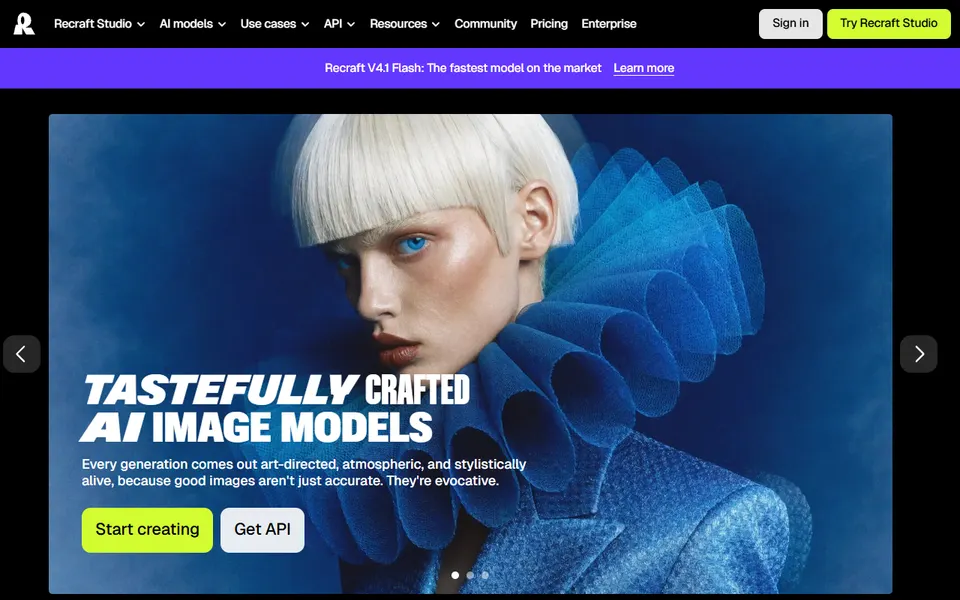
create a graphic from scratch and choose its styleMidjourney, Recraft, Ideogram, Adobe Firefly
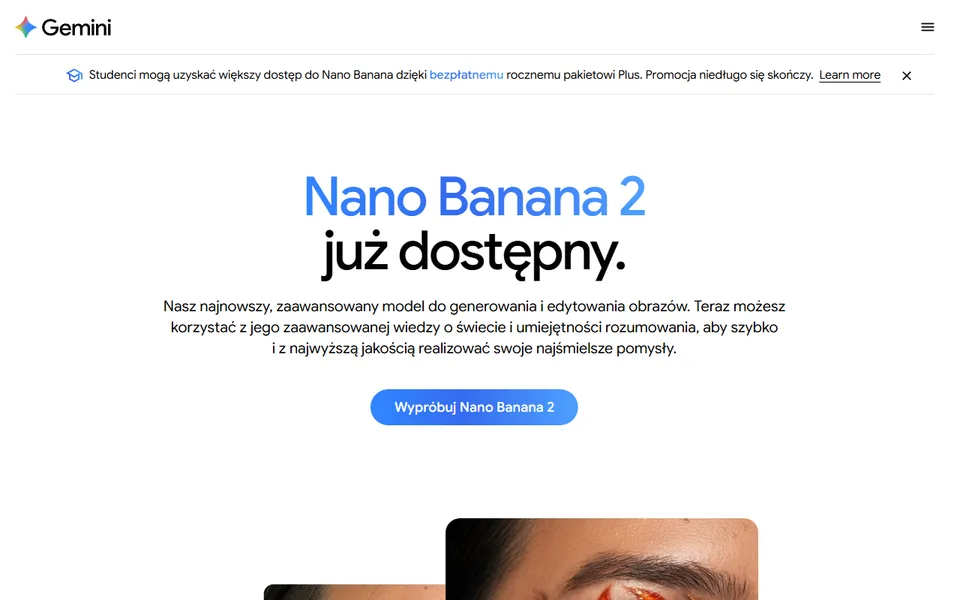
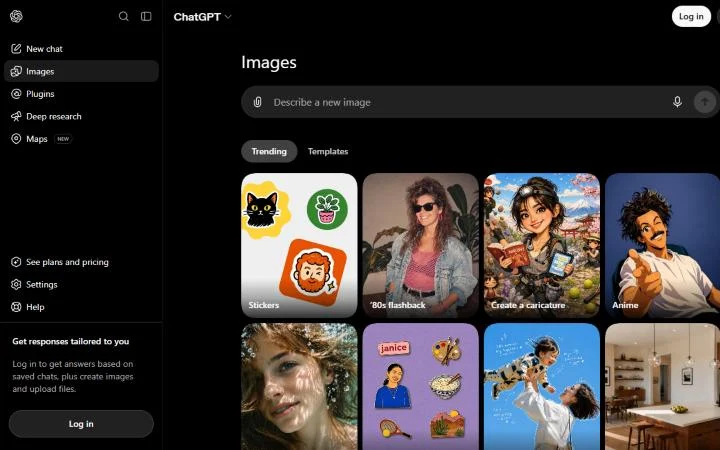
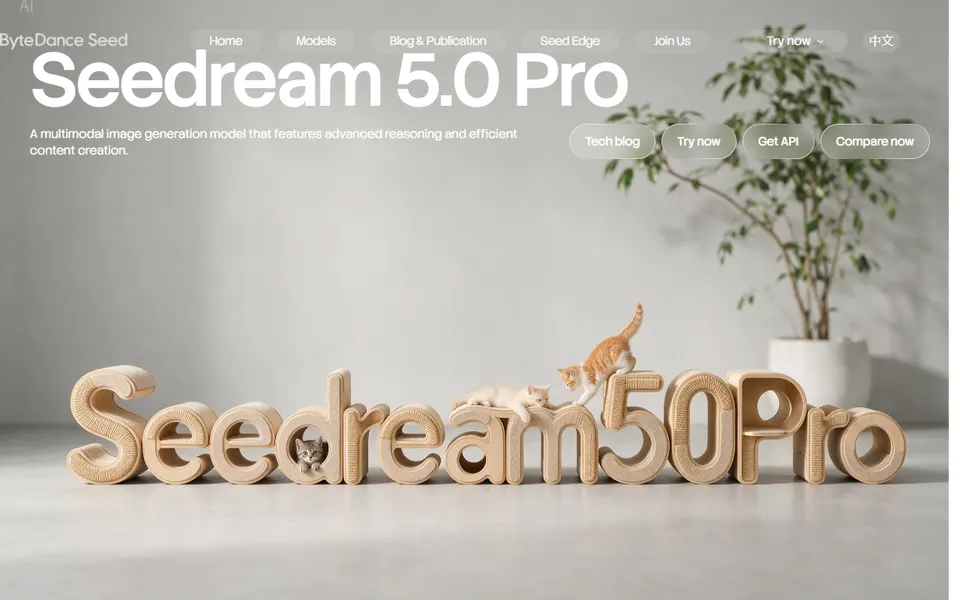
change the lighting, background, clothing or detail in a ready photoNano Banana, GPT Image 2, Seedream, FLUX.2
have the same character or product in multiple framesNano Banana
make a graphic with text: a banner, infographic, product creativeNano Banana, GPT Image 2, Ideogram
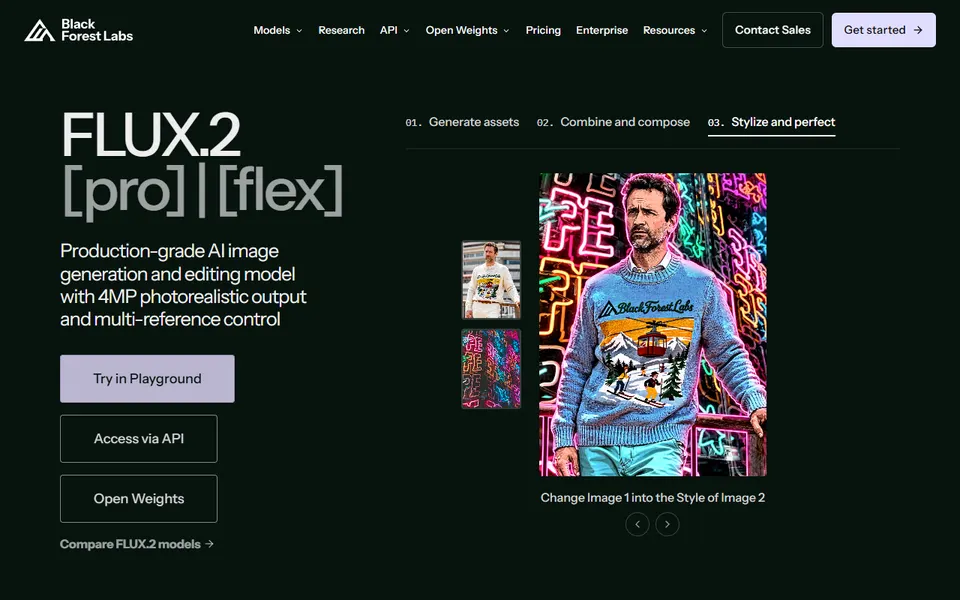
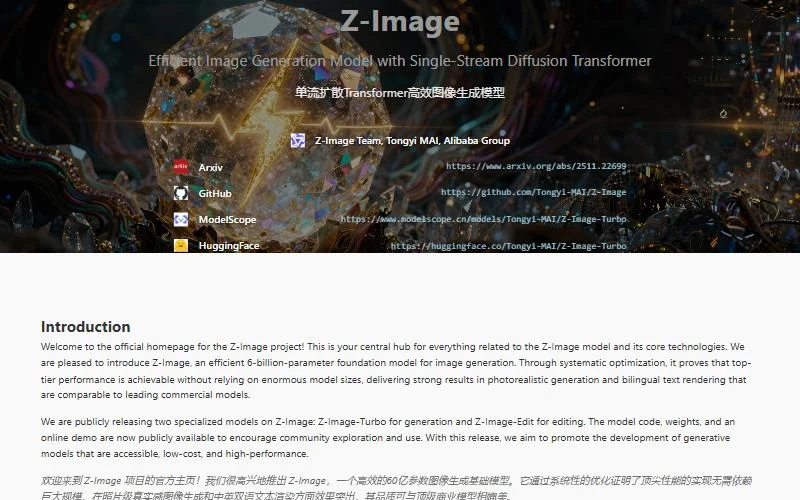
generate regularly on your own hardware, with zero generation feesFLUX, Qwen-Image, Z-Image, Stable Diffusion in ComfyUI
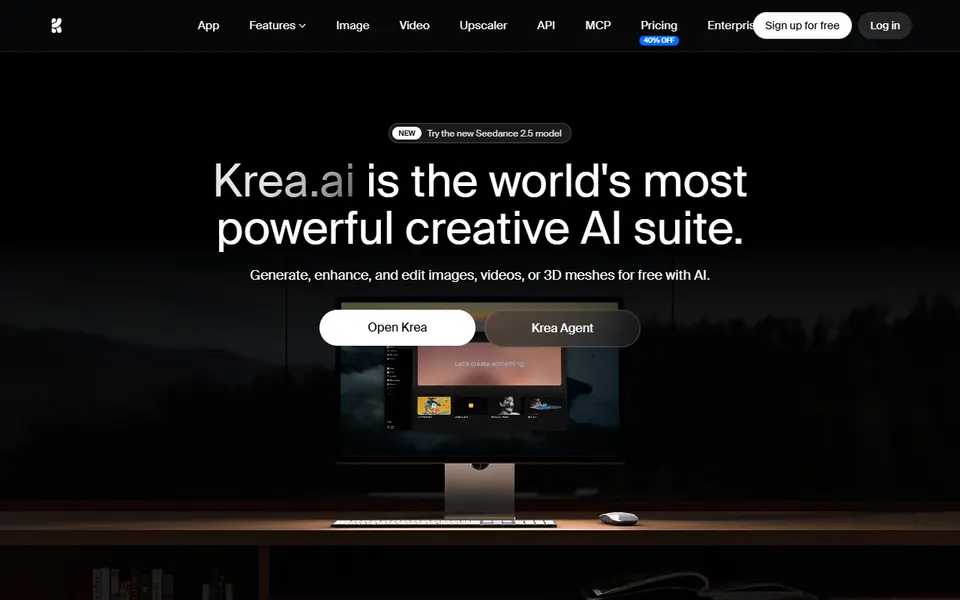
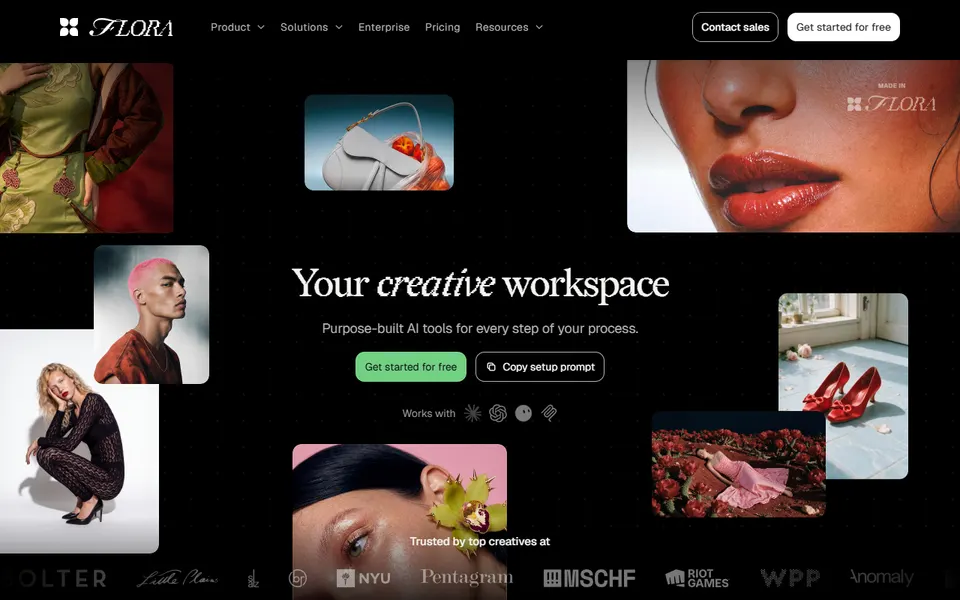
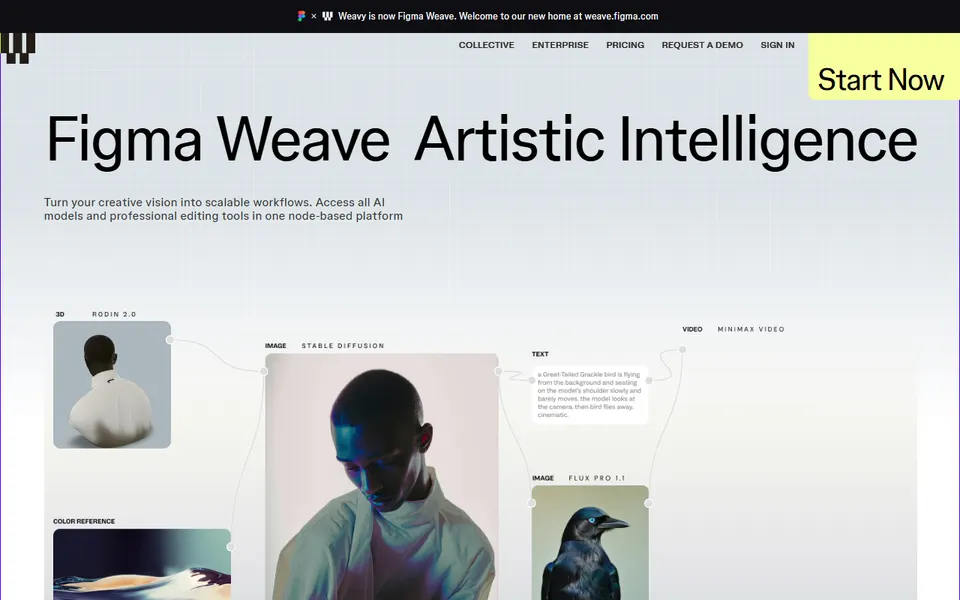
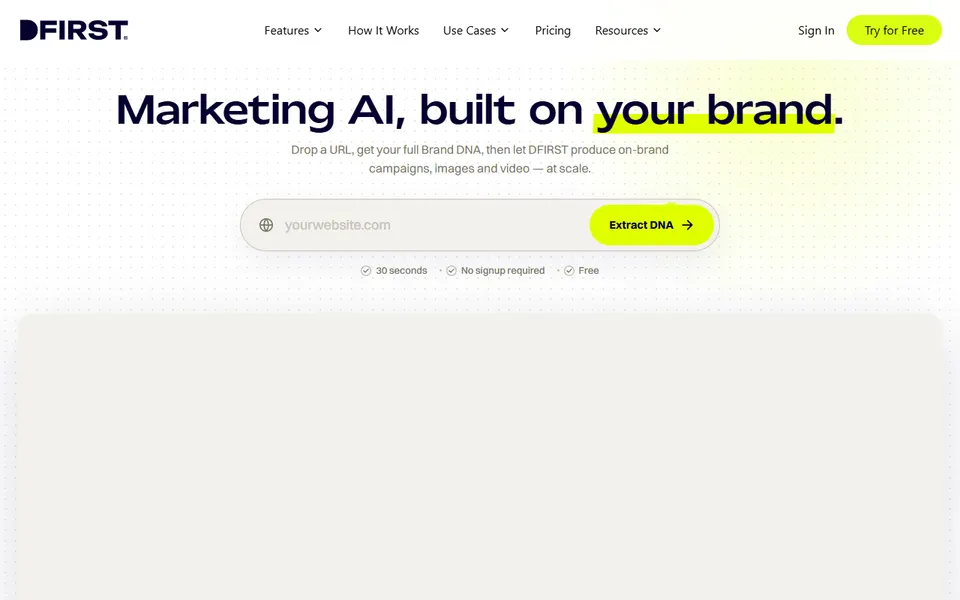
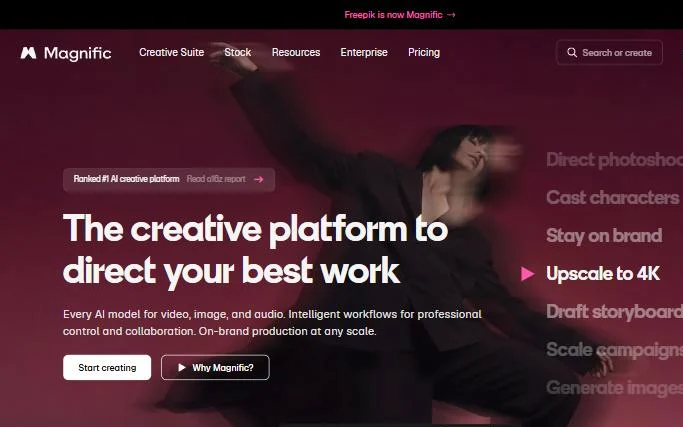
compare models and build the entire process in one placeMagnific, Krea, Flora, Figma Weave, DFirst
integrate generation into an application or automationfal.ai, Replicate, Gemini Enterprise Agent Platform
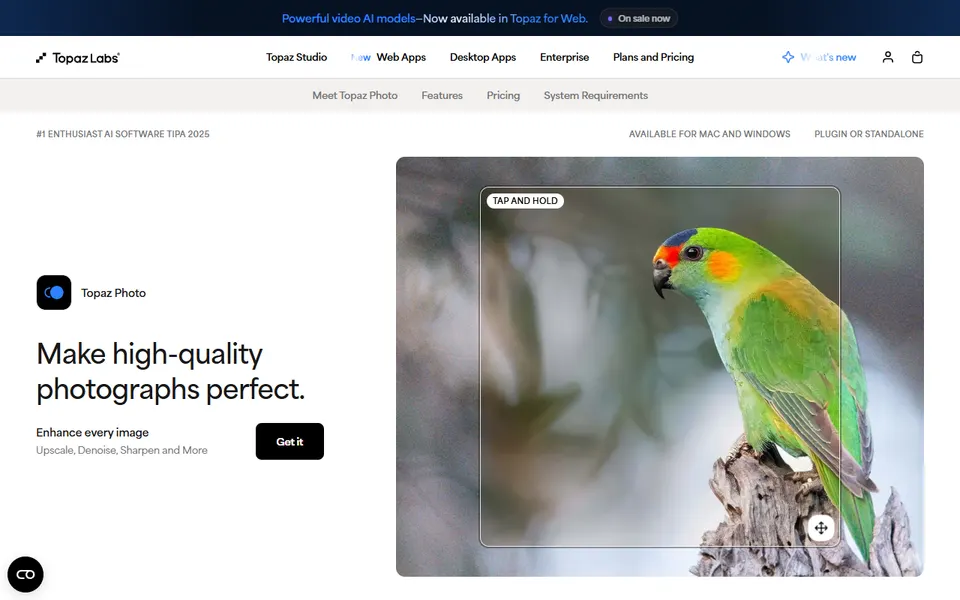
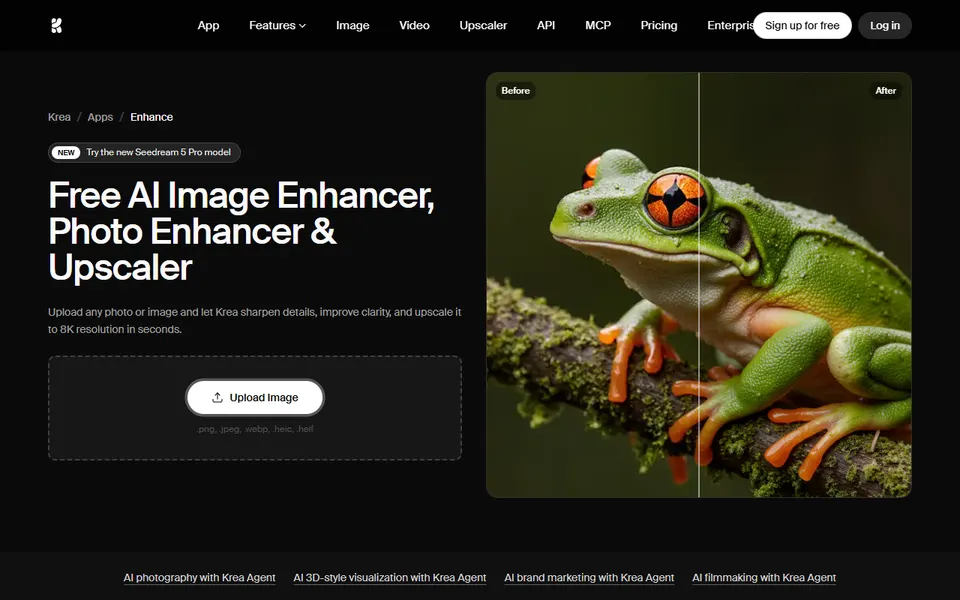
enlarge an image for print or restore a poor-quality photoMagnific Upscaler, Topaz, Krea Enhancer, SUPIR
01 - Commercial image generation models

Which AI image generator to choose when creating graphics from scratch?

This layer includes models you can start with to find the style and visual direction of a project. At this stage, Midjourney is the most important one for me. I use it when establishing what the image should look like.

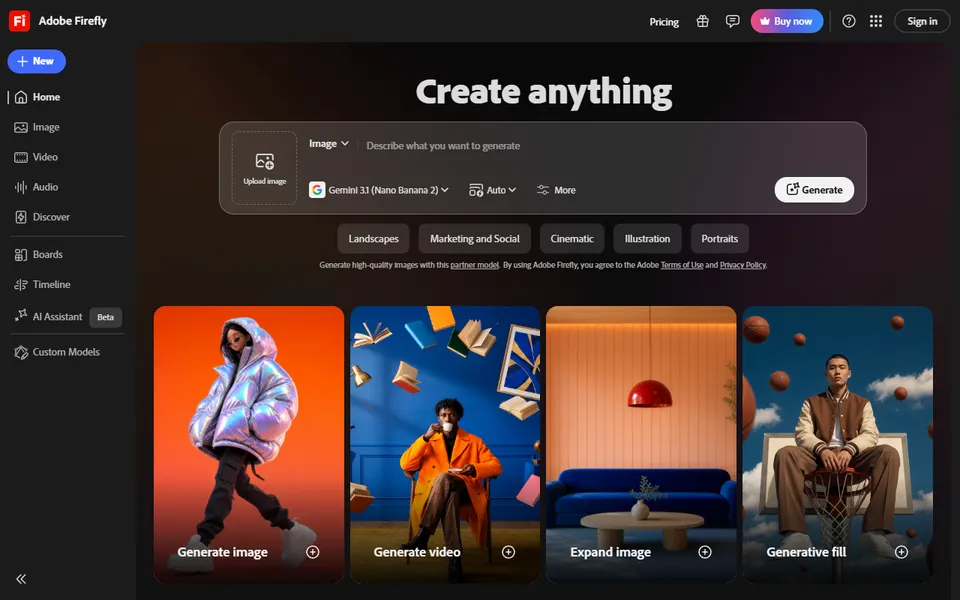
These are dedicated models: you work with a single engine through its own interface: Midjourney, Ideogram, Recraft or Adobe Firefly. You enter a prompt and get an image. Each has a different aesthetic and different strengths.

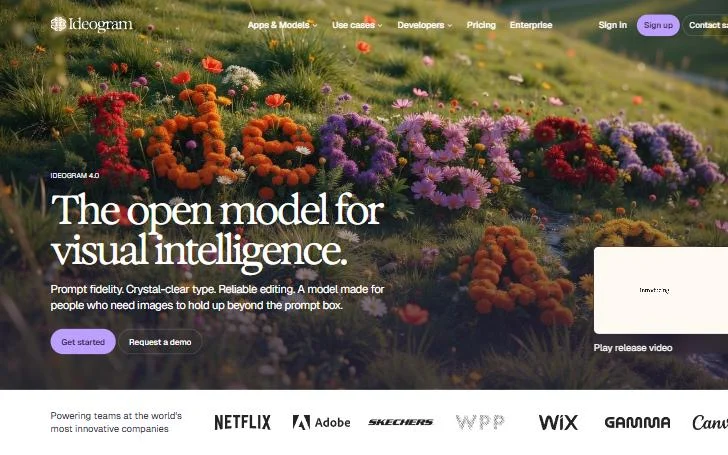
Midjourney has set the direction for the entire image generation industry for a long time. Recraft is strong in vector graphics and product illustrations. Ideogram handles text in an image better than other models, which was the Achilles' heel of the entire category for a long time.

Midjourney or Nano Banana? If you are creating something from scratch and looking for a drawn, 3D or any creative style, Midjourney will be the best choice. If you need photorealism, models from Google, meaning Nano Banana, will work just as well.

From practice: brand style in Midjourney. A moodboard represents the style in which Midjourney will generate images. If you have a set of graphics for your brand, create a moodboard from them and generate in that style.

From practice: style described in words. I suggest describing the effect in your own words instead of using artists' names: colour palette, textures, composition, era, saturation, technique. You can then transfer such a description to any other model.

When choosing an AI photo generator, it is also worth starting by defining your goal. You can match different models to subsequent stages of work.

02 - Contextual models and multimodal editing

How to change a fragment of a photo in AI and keep the rest?

In this group, an existing image can be the starting point. You pass it to the model and describe the change: different lighting, background, clothing, prop, detail or composition. The remaining elements of the image are to be kept.

Contextual models, such as Nano Banana, FLUX Kontext or Seedream, allow you to change a shirt to a different one, insert a product into a lifestyle scene or recreate the same character in different shots. Previously, this required Photoshop, manual graphic design work or a photo shoot. Now all you need is a reference photo and a prompt.

From practice: one sentence that saves the frame. Sometimes you have to explicitly ask the model to keep elements from the reference. If I am changing something in a photo, I type: keep the entire structure of the photo, and replace the given character.

From practice: brand colour. A HEX code in a prompt gives a very close colour, but rarely a perfect one. It is much better to provide the model with a graphic containing that colour.

How to keep the same character or product in multiple AI graphics?

Nano Banana has changed the way we work with consistency. You can provide a photo of a product or a character, and then develop subsequent images while preserving their most important features.

With a product, you keep the object and change the surroundings. With a character, you keep the face and silhouette, and change the outfit, framing or the entire scene. Prepare a character sheet: a portrait from the front, profile, three-quarters and a full silhouette. You return to it with each subsequent shot, and the model holds the character's appearance more precisely.

The simpler the product shape, the better the result. Fine details, labels with small text or complex shapes require more iterations, and sometimes manual correction. Midjourney would recreate the product from scratch, resulting in slight variations. Contextual models have an advantage here and allow you to create additional formats for social media.

How to make an AI graphic with text?

For product creatives, I recommend Nano Banana: it maps the product best and handles text on the image well. To get the text right, keep it below 400 words in the entire graphic: more text means more errors and distortions. Nano Banana 2 writes very well, although occasional errors still happen.

GPT Image 2 and Seedream 5 also offer great control during generation and editing.

03 - Open-weight and locally run models

How to generate AI images on your own computer and is it worth it?

Models from this group allow you to work on your own infrastructure and control the generation environment more precisely. You can combine them with additional models and build a process tailored to a specific task. This layer comes in handy for automation and working with your own data.

You run Z-Image, FLUX, Qwen or Stable Diffusion on your own hardware: generation costs zero. However, full control requires a powerful graphics card and patience during configuration, but in return, it offers possibilities unavailable in any cloud.

Is it really for free? Local work is free, although we still pay for the graphics card, other components and energy, and these have become more expensive lately. It makes the most sense when we generate regularly and use the same setup across multiple projects.

In ComfyUI we have much more control: we choose how many steps the model will perform, what prompt tools it uses and so on. It is an environment where you assemble your own workflow from blocks.

Stable Diffusion has historical significance here. For many creators, it was the starting point for working with image generation on their own computers, using their own models and extensive workflows. At one time, LoRAs were very popular for images, but models supporting references have reduced their popularity because they handle this much better.

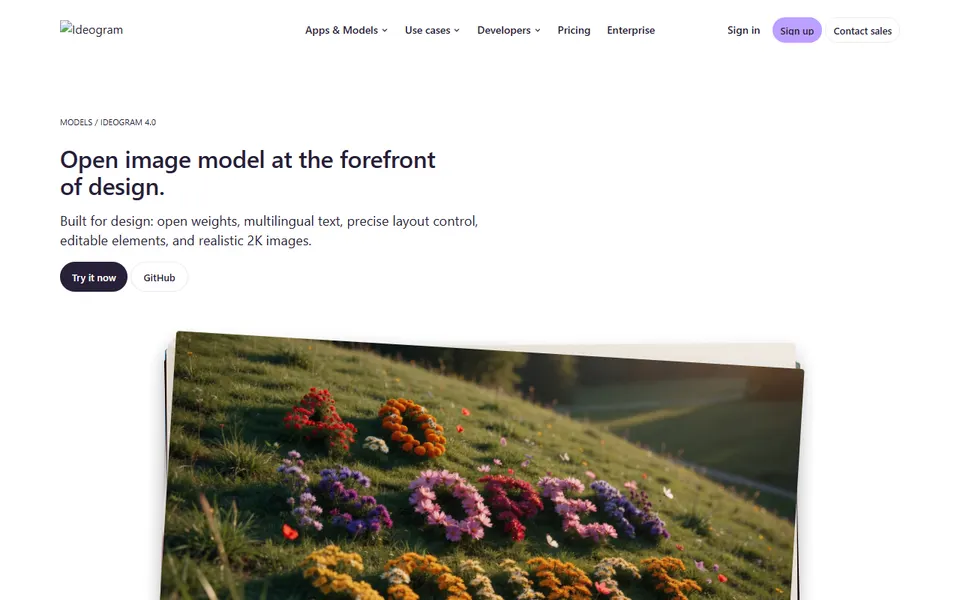
In the case of Ideogram, the manufacturer provides the weights of version 4.0 for download and running on your own hardware. You can find access information on the official model page (as of 29 September 2026).

04 - Multimodel platforms and aggregators

Where to have multiple AI models in one place?

Multimodel platforms gather various models and tools for further image processing. Some allow you to connect subsequent stages using nodes. This way, you build an entire process, rather than performing each generation separately.

You test different models on the same project and choose the result that fits best, and when one model struggles, you simply use another. Some models still experience difficulties with hands and fingers. In my test with a tennis player, Nano Banana performed best.

From practice: advertising creatives on nodes. Magnific Spaces acts like a creative board: each block performs a specific operation and passes the result to the next one. In the Designer tool, you choose your own font, and you provide the colour from the brandbook to a tool that understands colours, rather than leaving it to the model. You get greater brand consistency compared to fully generated text. Such a workflow pays off with repetitive content: building it takes some time, and it has to pay that time back.

Magnific is convenient for campaign materials because it combines generation with a stock photo library and editing tools. Individual platforms differ in their workflow and additional features. Figma Weave provides access to generation and the ability to add models from fal.ai. Magnific has a large creative community and extensive teamwork capabilities. DFirst is a Polish company.

An aggregator can also simplify your subscription choice. You get access to many necessary models and tools in one place. It is worth paying attention to the entire process you want to build. If you want such a process in your team, I help design it through AI implementations.

05 - API and infrastructure

Generating images via API: when does it make sense?

API allows you to incorporate image generation into your own applications and production processes. Corporate implementations and automations rely on connecting models via API. Gemini Enterprise Agent Platform from Google (formerly Vertex AI) is an example of a solution for companies, while fal.ai provides an API for generative models.

In an API, you pay for model usage, usually per operation or generation. At a larger scale, it is worth controlling the number of calls and the cost of the entire process. From practice: I can run generation through fal.ai, but then I pay for credits. For my own needs, I run it through a local computer, controlled from a browser.

Prompt in JSON. Use it when you are building automation, working with a model via API or the model is prepared for such prompting, like FLUX.2. In everyday work in visual interfaces, JSON adds little value.

06 - Upscaling, restoration and enhancement

How to enlarge an AI image even 8 times to make it suitable for print?

This layer includes tools for increasing resolution, restoring photos and enhancing images. Additional enlargement comes in handy when preparing material for print, working with large formats and restoring older photographs.

Sometimes a photo turns out blurry after enlargement, yet we need it for print. Or we have generated an image and want to make a flyer out of it. Raster graphics, unlike vector graphics, scale less effectively. That is when we need an upscale.

We reach for upscaling when the image is already selected and refined.

In this way, we prepare a file in the resolution required for publication or print. Topaz and Magnific enlarge the image, sharpen details and remove noise. This is often the last step before sending the material to production. From a blurry face with indistinct wrinkles and eyelashes, the Magnific upscaler extracts sharp details even at five times magnification.

07 - Model selection

How to match a model to a task and save hours of work?

Match the model to the task, and when something gets stuck, switch the tool instead of struggling with the product. In practice, 2-3 graphics models will suffice: Midjourney, Nano Banana and Seedream. The rest are situational add-ons.

The 30-45 minute rule. Sometimes a model stubbornly resists cooperating despite good prompts. In that case, try a related one. I have had many situations myself where a different model captured a jacket or a Scandinavian interior much better. If something takes you longer than 30-45 minutes and the result remains poor, jump to another model.

Before you publish:

  • Free tools usually lack a commercial licence: check the subscription terms.
  • The exact same model might keep your data private in one environment, while in another, it might use your graphics for algorithm development or marketing.
  • With products, check the text on the label, shape and legibility of the logo.

I teach how to select tools for subsequent stages of work in my AI graphics and video training courses. If you prefer to learn on your own, we go through the entire process from an idea to a finished creative in the Sprint AI course.

The next step is describing the image you want to achieve. In the guide 'How to write a prompt for AI graphics: a 6-field template' you will find six fields: subject, background, details, technique, lighting and composition.

FAQ

AI image generator: frequently asked questions

What is the best AI image generator?

The best choice depends on the task. For style and creative images, reach for Midjourney; for photorealism and photo editing, choose Nano Banana; for vector graphics, use Recraft; and for text in an image, pick Nano Banana, GPT Image 2 or Ideogram.

Midjourney or Nano Banana?

Midjourney, when you are creating from scratch and looking for a drawn, 3D or creative style. Nano Banana, when you need photorealism, are altering your own photo or making banners and infographics.

Is there a free AI image generator?

Open source models, such as Z-Image, FLUX, Qwen or Stable Diffusion, run locally, are free of generation costs: you pay for the hardware and energy. Free online tools rarely grant a commercial licence.

How to achieve a consistent character in AI?

Prepare a character sheet (front, profile, three-quarters, full silhouette) and work in a contextual model, e.g. Nano Banana: you preserve the face and silhouette, while changing the outfit and scene.

How many AI models for graphics do you need?

In practice, 2-3: Midjourney, Nano Banana and Seedream. The rest are situational add-ons.

How to enlarge an AI graphic for print?

At the end of the process, when the image is already selected and refined. An upscaler (Magnific, Topaz, Krea Enhancer, SUPIR) increases the resolution, sharpens details and removes noise.

Can I use AI graphics commercially?

It depends on the tool and plan. Before using a graphic in a campaign, check the subscription terms.