A review of AI video generators: Seedance, Kling, Veo, Runway, local models, avatars and upscaling. Selecting a model for a shot, costs and practical tips.
Krystian Wydro - AI Creative Director, OtterMind
◆◆ 12 min read
You choose an AI video generator for the task: a long shot with sound, image animation, dialogue, an avatar or editing existing footage. In my work, I reach for Seedance 2.5 for longer scenes, Kling 3.0 for calmer shots and Veo 3.1 for Polish dialogues. Below you will find a breakdown of tools into closed models, local ones, character animation solutions as well as video editing and enhancement.
I compare the type of control and the usefulness of the result. The set of models changes very quickly.
One generator might guide the camera movement better, while another maintains the face better. I choose a model specifically for the shot, tailoring the tool to current needs.
The links to Magnific and ComfyUI in this article are affiliate links. When you use them for a paid offer, I receive a commission. The price for you remains the same, and the commission helps me develop the knowledge base.
Paid AI video generators: which one for which task?
This group includes models for generating and editing video. They differ in their capabilities of working with movement, sound and reference materials. It is worth starting by determining what is supposed to happen in the shot and what kind of control you require.
From practice: before you choose a model. The same platform can provide several models. The same model can appear in several tools, offering different settings, limits and prices. Therefore, before a project, I check the model name, clip length, aspect ratio, resolution, supported references, sound generation capability and commercial use conditions.
Seedance 2.5: a longer shot with sound
Seedance 2.5 leads in terms of the quality of generated material, belonging to the more premium solutions. It allows you to prepare a single clip lasting up to 30 seconds. You can provide it with graphic, audio and video references.
I reach for it when I need a longer shot with image and sound. A single run helps maintain continuity, requiring a more detailed description of subsequent events. If you need precise control over movement, for example, the pace of facial expression changes or synchronising a gesture with text, Seedance allows for more detailed steering of the scene's dynamics.
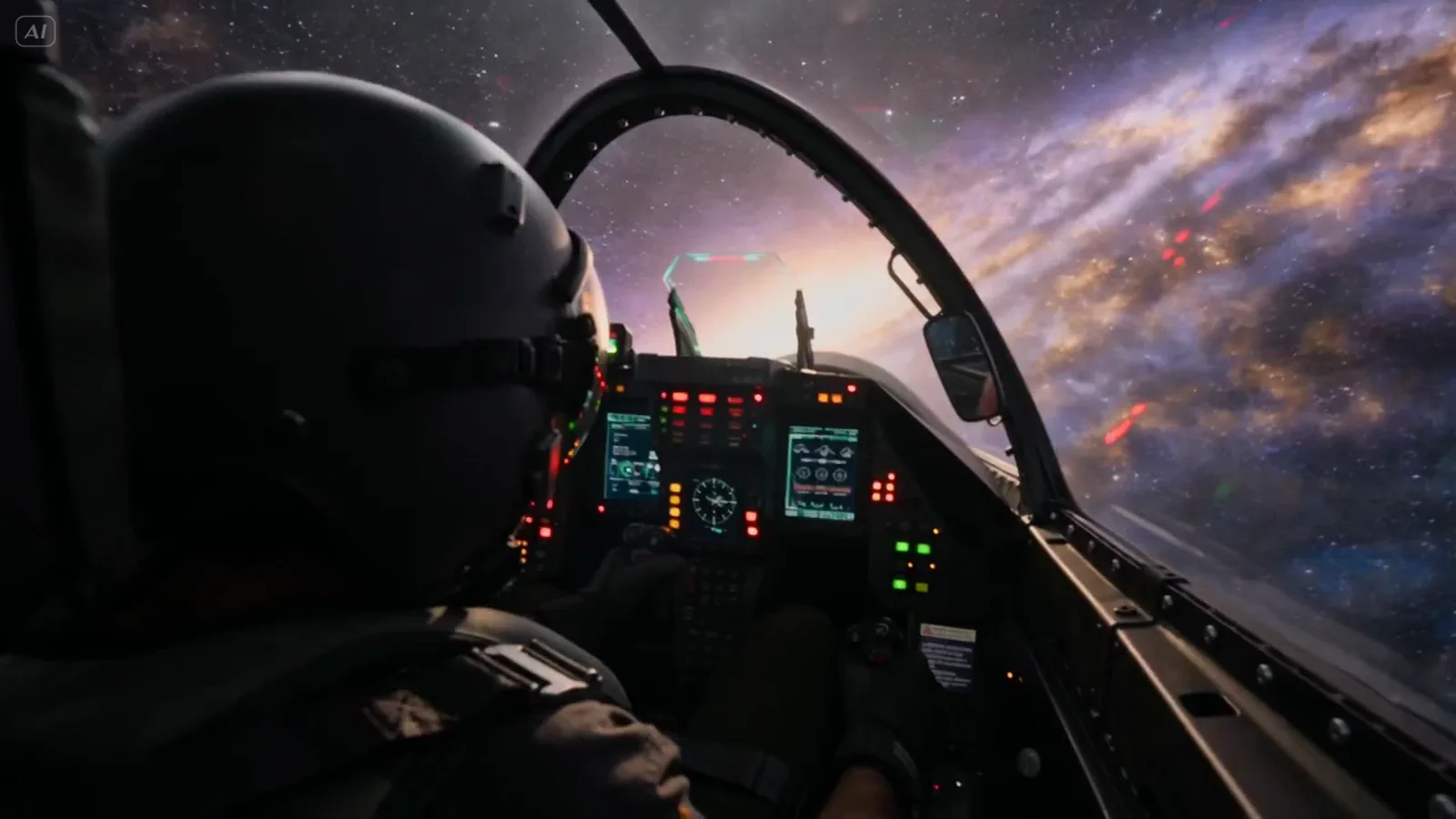
Seedance 2.5: a chase in a single 30-second shot, with sound
Kling 3.0: calm shots and animation between frames
Kling 3.0 is an alternative to Seedance, especially for calmer shots. It handles animation between the first and last frame well. I also test it when I care about background details in a quiet scene.
Kling 3.0: a calm shot with details in the background
Veo 3.1: Polish dialogue
I choose Veo 3.1 for shots based on a dialogue in Polish. I rate its visual capabilities lower than those of Seedance or Kling, while sound remains its strong point. The model allows you to generate a Polish voice that sounds quite natural.
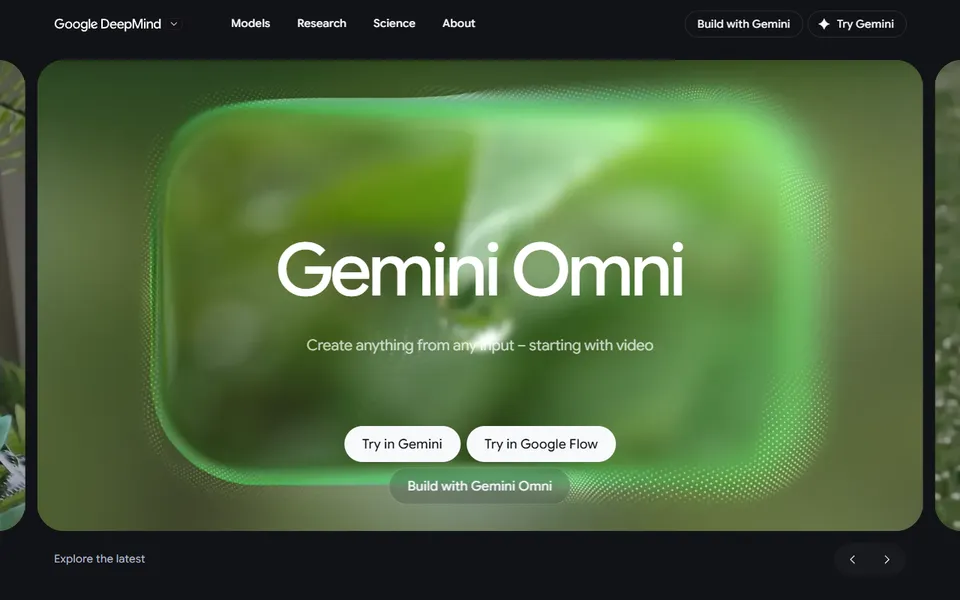
Gemini Omni Flash
Gemini Omni Flash is a Google video model. Its description indicates a better understanding of physics, movement and interactions between objects. It is also designed for video editing.
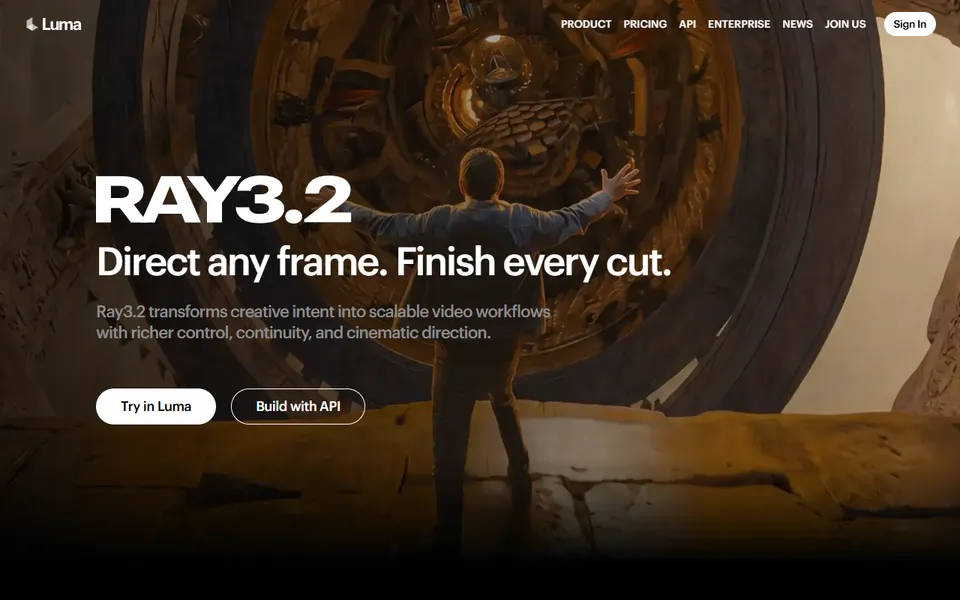
Luma Ray: HDR generation
Luma Ray is a family of models that played a major role in animating images between frames. It stands out with its ability to work with footage with a wider brightness range, meaning HDR generation. Luma is the only model generating in HDR mode. At the same time, I find that the quality of the generated material stays behind the competition.
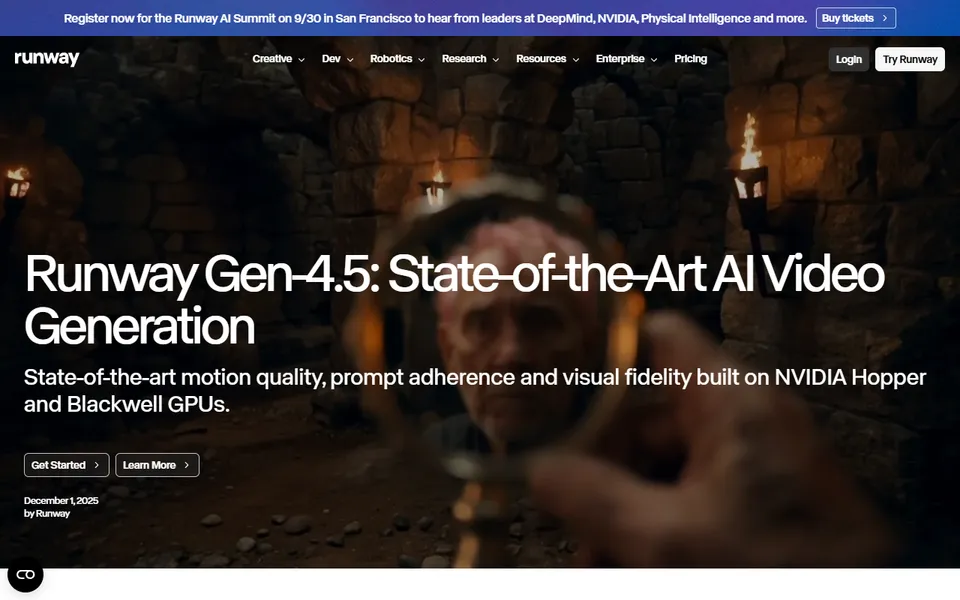
Runway Gen-4.5: complex action and camera movement
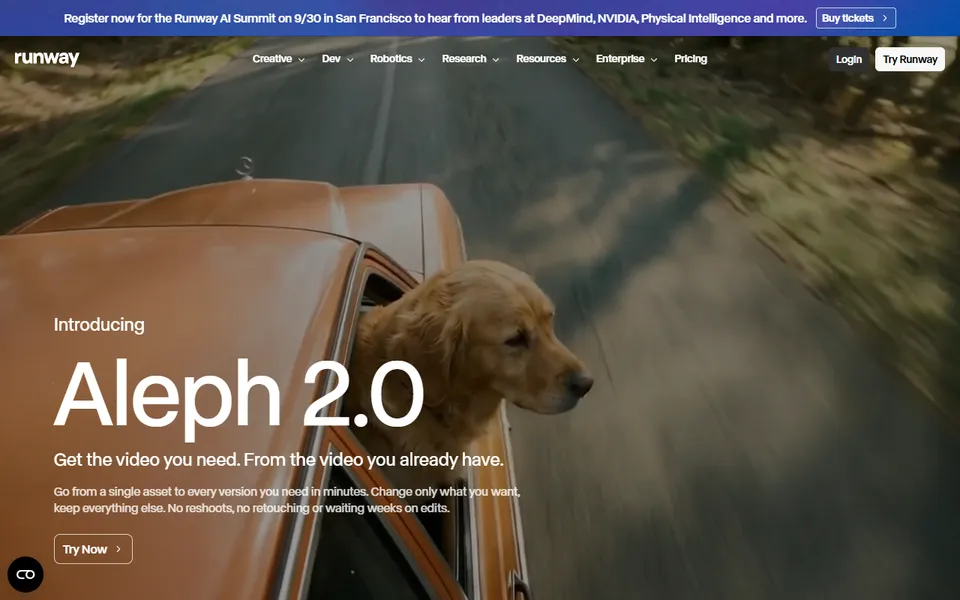
I select Runway Gen-4.5 for a more complex action breakdown and camera movement. Runway was among the pioneers of video generation. Gen-4.5 supports text-to-video and image-to-video. Aleph serves to edit an existing film, and Act-Two transfers movement and facial expressions from a reference recording. I describe both further in the article.
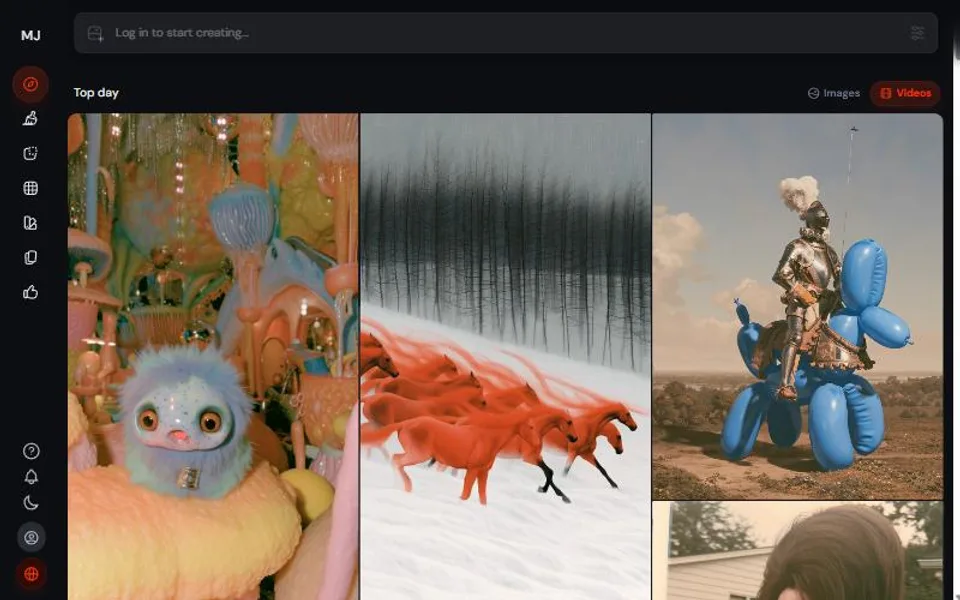
Midjourney Video
Midjourney Video lets you animate previously generated images. I test it when the visual direction of the project was created in Midjourney.
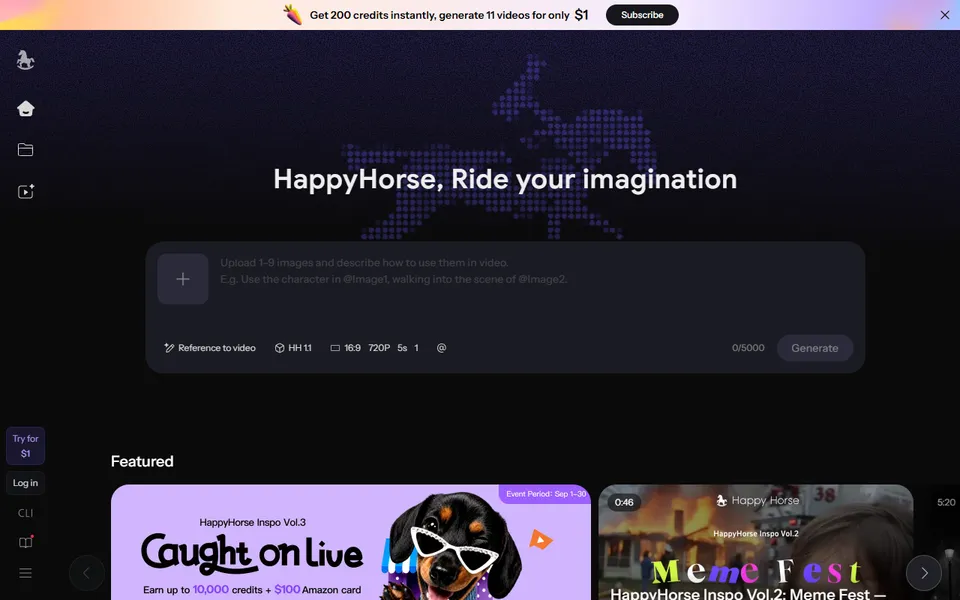
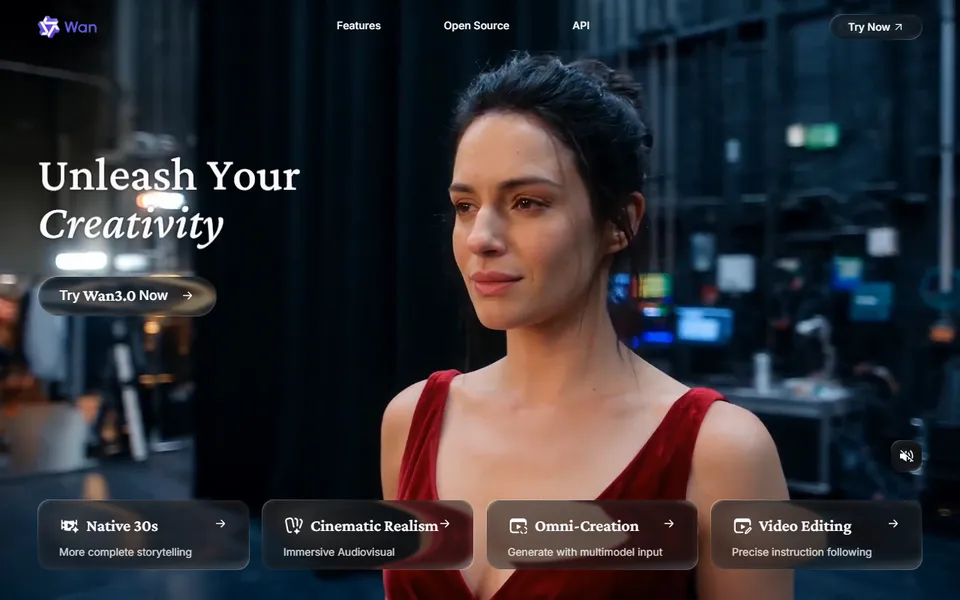
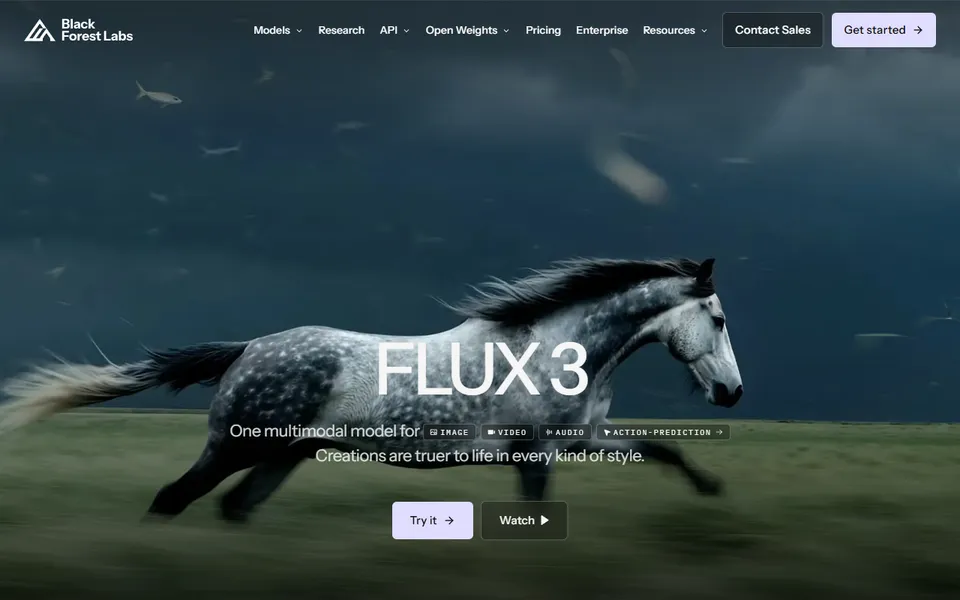
Happy Horse, Wan 3.0 and FLUX 3
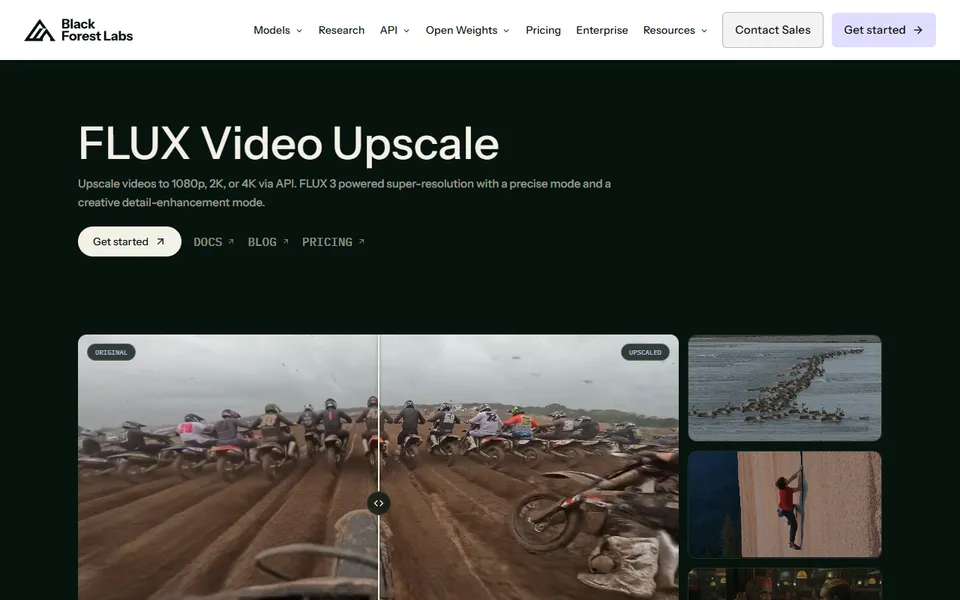
Happy Horse is one of the closed, paid models developed in China. Wan is particularly interesting in the context of video editing. Earlier versions were available as open-weight. Wan 3.0 is closed, which is why it joined the group of closed models. FLUX 3 is the first video model in a family previously associated with graphic generation. It maps camera movements well and has an interesting aesthetic. It allows generating shots lasting up to 20 seconds.
You can incorporate local models into your own workflow. In ComfyUI, you will combine generation with references, masks, image control and subsequent processing stages. It is worth keeping hardware requirements in mind: higher resolution, longer footage and additional nodes increase memory demand.
A local workflow gives you access to model settings, nodes, masks, control maps and automation. Files can stay within our infrastructure, which is important for a product pending launch or when maintaining image security is crucial. In return, we require disk space, a suitable graphics card and time for configuration.
Is it worth it? Local work is free of subscription fees, though we still bear the costs of the graphics card, other components and energy, and these things have gone up in price recently. It makes the most sense when we generate regularly and use the same configuration across multiple projects. There is also a second argument: often, after a model is released in the cloud, larger resources are provided, which are reduced over time, weakening the quality of the generated material.
LoRA in video. At one point, LoRAs were very popular for images. Currently, graphic models with reference support have decreased their popularity, but in the case of video, LoRa still has very broad applications.
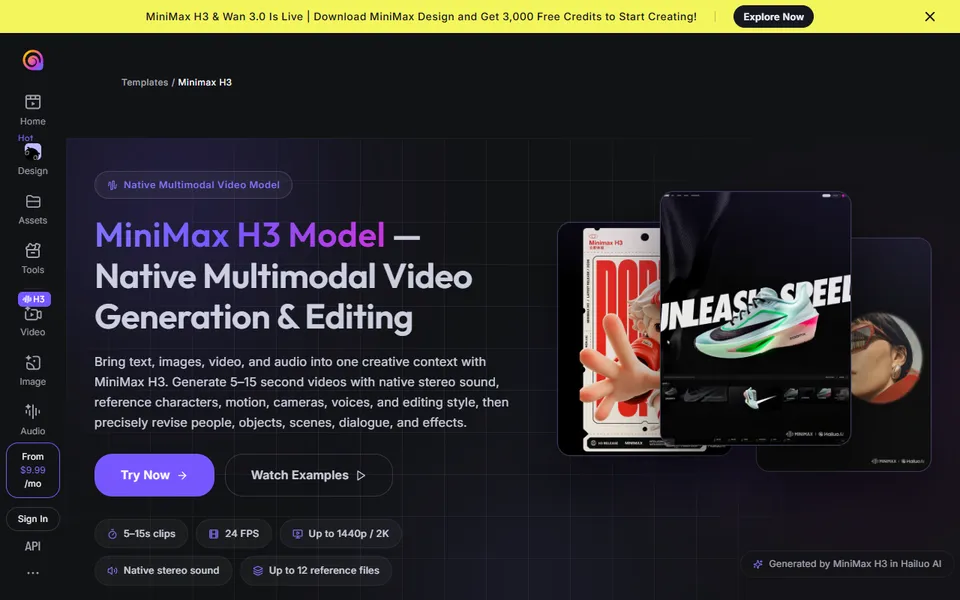
MiniMax H3
MiniMax H3 is currently the leader among local models. I rate the quality of the generated material as comparable to paid models. It is one of the tools I choose for working in ComfyUI.
H3 licence: the standard MiniMax H3 licence covers the world excluding the European Union, the UK, South Korea and the USA. To work with H3 in Poland, you require a separate licence, which you request directly from MiniMax.
LTX-2.5
LTX-2.5 is another model for local work in ComfyUI. My experiences with the LTX family show how much depends on resolution and hardware.
After updating Nvidia drivers, working with LTX became smoother, but a 32 GB VRAM card proved insufficient for me to generate comfortably in 4K. This is a specific observation from my work environment.
Wan 2.2, HunyuanVideo, Mochi 1 and CogVideoX are also suitable for local work.
How to create an AI avatar or bring a character to life?
In this group, the choice depends on whether you want to prepare a digital presenter, bring a photo to life, or transfer an actor's performance to another character.
An avatar is a separate category. In a typical generator, we describe a person and an action. In an avatar tool, we provide text or voice, and the system guides the face, lips and gestures of the character.
HeyGen and Synthesia: digital presenter
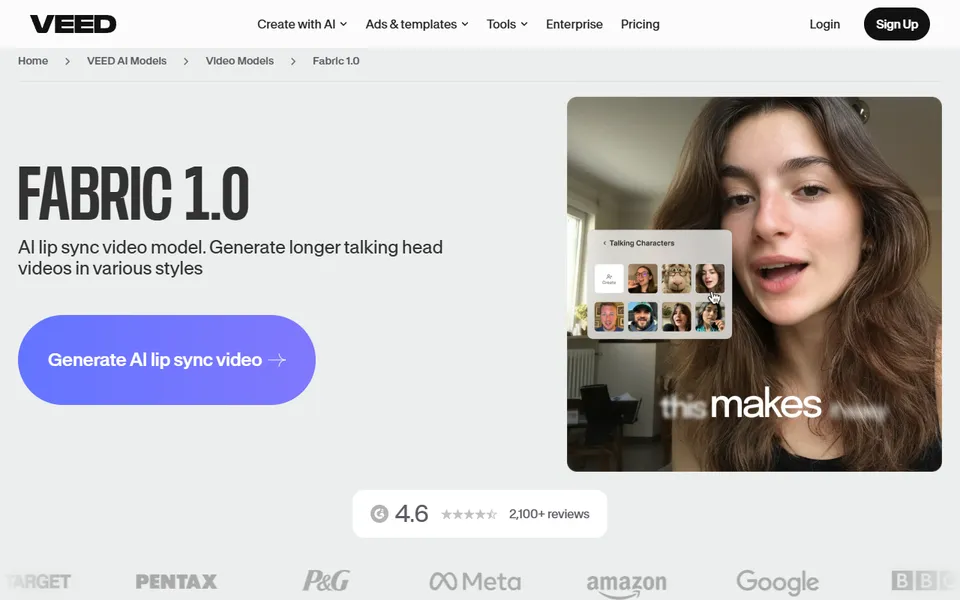
In HeyGen, you prepare a digital presenter who speaks a given text. This is one of my choices for a classic avatar. Synthesia is also used to prepare a digital presenter speaking a given text. Alongside HeyGen, it is the second tool I reach for during such a task. Both work well in presentations, training and corporate communication.
OmniHuman: photo and voice
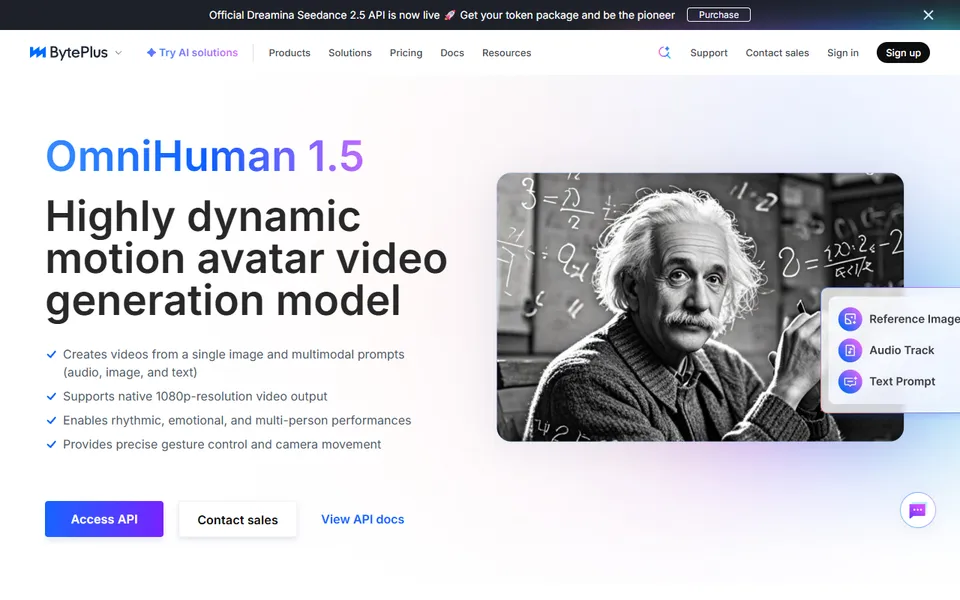
OmniHuman, provided by BytePlus, lets you combine a character's photo with a voice recording. Based on this, it generates the character's movement.
Runway Act-Two: actor's performance on another character
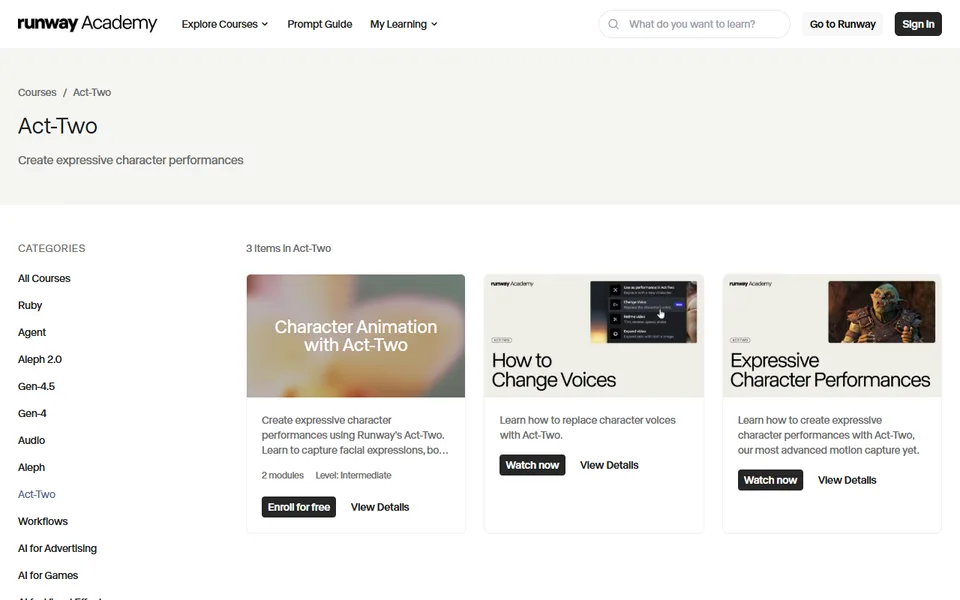
Runway Act-Two transfers facial expressions, head movement and gestures from an actor's recording to the image of another character. I choose it to transfer acting performances. It combines working with a character and editing video material. You can also record yourself, for example, as a reference for the movement of the generated character.
From practice: before using an avatar. With avatars, I check the person's consent, recording storage rules, commercial licence, supported languages and lip synchronisation quality. Such a system effectively solves a spoken scene. For a wide shot, dynamic action or a packshot, we require a different model.
How to improve quality and edit an existing AI video?
This group covers improving quality and resolution as well as modifying existing shots. It is useful at the stage of further footage processing.
Topaz Video Upscaler
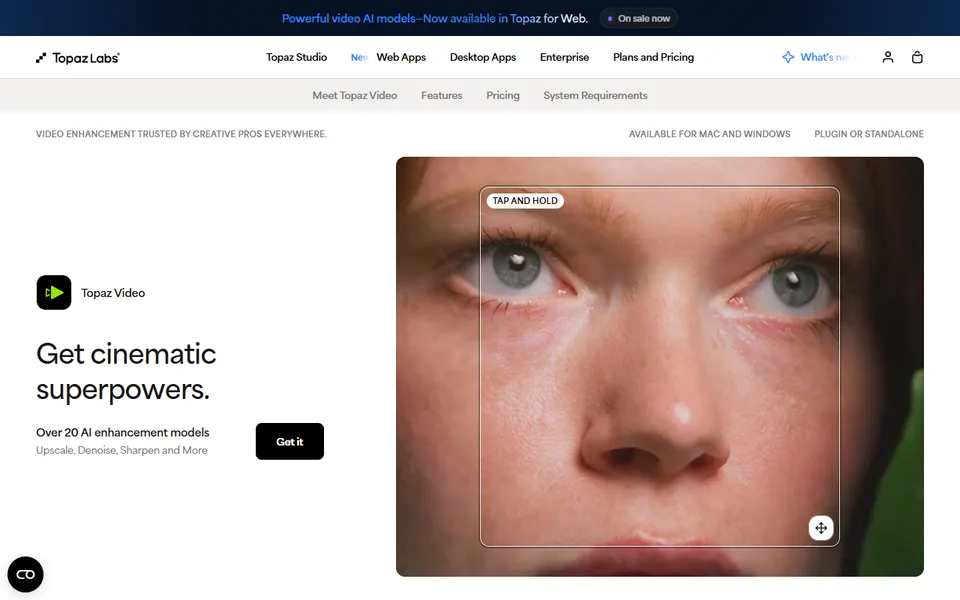
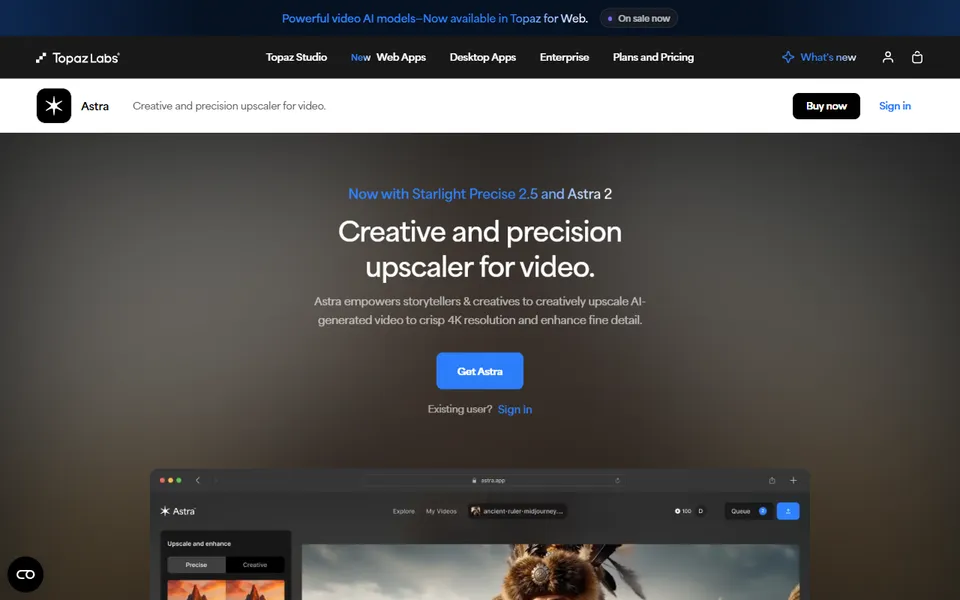
Topaz specialises in improving video material and increasing its resolution. I reach for it when preparing a file for post-production. Topaz Video also supports 10-bit export in selected codecs, allowing you to retain greater colour depth for further editing.
Runway Aleph 2.0 and Luma: changing a shot with text
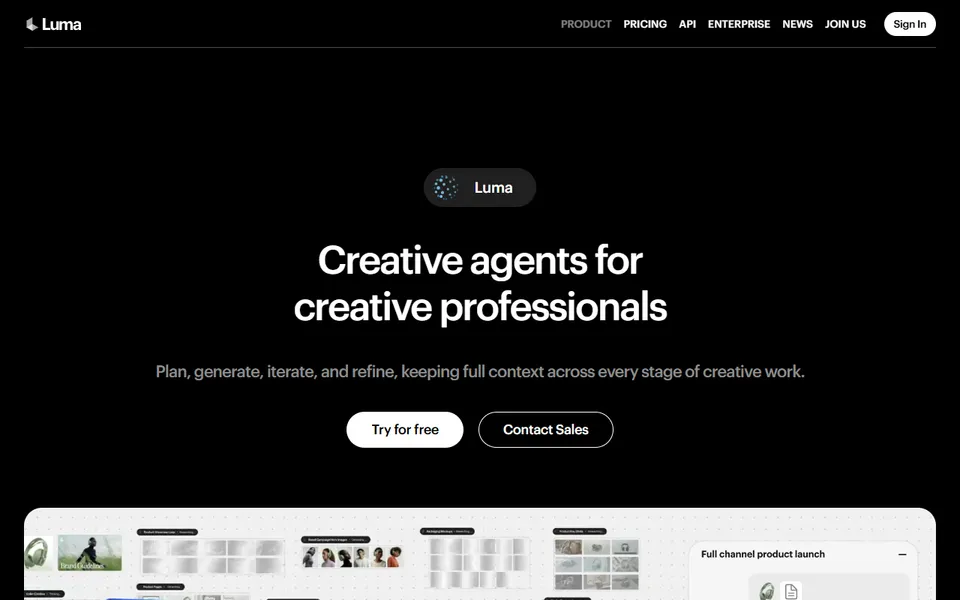
Runway Aleph lets you modify an existing shot using text. It is one of the video editing solutions I highlight in the Runway offer. Luma also provides video modifiers. Similarly to Runway Aleph, you can work on an existing shot and describe the changes with text.
A subtle modification maintains geometry and movement better. A larger one gives the model freedom, frequently rebuilding the face, hands and background.
Beeble Switch X: lighting and HDR
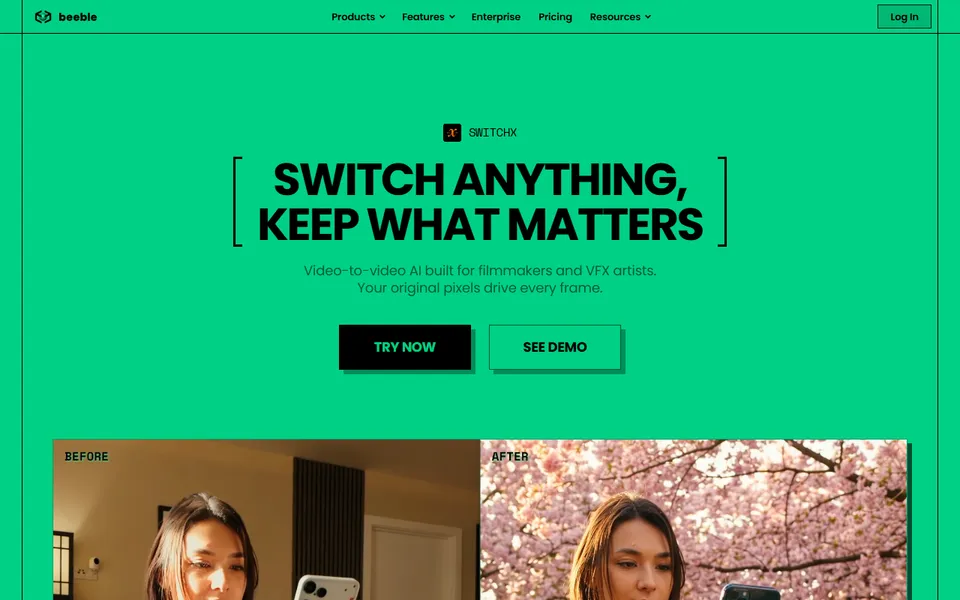
Beeble is useful for changing lighting and the look of a scene. It also allows you to convert material to HDR.
From practice: check frame by frame. I watch the result frame by frame. I check the face, fingers, clothing edges, hand contact with the product, logos and elements passing in front of the character. An error appearing for two frames can be hard to spot during a quick preview, becoming distinct after slowing down or exporting.
From practice: logos and text in post-production. I always prefer adding such elements during post-production itself, since video models tend to heavily alter logotypes and text. They look much better in graphics, allowing you to safely generate them in models there.
The cost depends on the footage length, resolution and provider. Below you will find approximate amounts for the fal platform.
Prices change monthly: check the current rate before generating.
Model
Length and resolution
Approximate cost
Seedance 2.5
10 seconds, 720p
just under 5 USD
FLUX 3
10 seconds, 720p
around 1.70 USD
Seedance 2.5
30 seconds, Full HD
around 35 USD
On a single fal account, you can compare the costs, generation time and available parameters of different models. It is worth checking the rate for the selected variant before starting a task. You will find billing information on the Seedance 2.5 page and in the fal guide to FLUX 3.
From practice: cheap first, quality later. I generate the initial versions faster and cheaper. I put them together in editing with a working sound. Only after assessing the rhythm do I select shots for regeneration.
06 - Generation modes
Text, image or video reference?
In text-to-video mode, you start from scratch. You provide a prompt, and the model builds the character, location, composition, movement and lighting. This is a solution for seeking ideas, testing the atmosphere, preparing a wide shot or checking camera work.
When you want to faithfully preserve a specific face, product or composition from a storyboard, text alone provides insufficient control. That is when you need image-to-video or references. After uploading an image, I can skip describing everything on it in detail. It is enough to describe, for instance, the intended camera movement.
Video reference
The third way is a video reference: the recording guides the movement, while the model changes the appearance. Kling develops motion control based on references, and Seedance 2.5 accepts graphic, sound and video references. Runway Act-Two lets you swap visual elements in a finished video while keeping the original movement. You can also record yourself, for example, as a reference for the movement of the generated character.
In such work, the recording guides facial expressions, head movement and gestures. I control the voice, character image and motion recording separately. I can also transform the finished clip in tools like Aleph: a subtle modification maintains geometry and movement better.
Seedance 2.5 with a video reference: knight's movement from an EVRN animation
First and last frame
Both frames must depict the same hand, the same product, costume, location and light direction. If point A and B differ entirely, the model will perform morphing instead of movement. The prompt focuses on describing the journey: the last frame already shows the target position, while the text explains how the heroine is supposed to get there.
When the transition turns out unnatural, I reduce the difference between the images or extend the time. I can also prepare an intermediate frame and divide the shot into two segments. Models have a limited time for a single generation, yet you can extend this duration: you take the last frame of a shot as the starting frame of the next one.
Character references
Each subsequent reference provides information, but it can also compete with the previous ones. Therefore, I upload a few selected files rather than an entire folder at once. I show the character from the front, in profile and in a three-quarter shot.
How to write a video prompt?
A prompt for graphics mainly describes the appearance of a single moment. A video prompt must describe a change over time. I start with a simple action. If the heroine simultaneously runs, turns, picks up a product, speaks to the camera, while the operator performs an orbit and a zoom, the model faces too many tasks at once. I divide such a scene into separate shots.
07 - Choosing a model
How to choose a video model for a shot and save credits?
The rule of choice goes: use the simplest mode that secures the biggest risk of the shot. In practice, 2-3 video models, such as Veo, Kling and Seedance, are perfectly sufficient. The rest are situational additions.
From practice: one prompt, multiple models. In Magnific, we can conveniently compare several models in one place. I enter the same prompt, keep the aspect ratio and length, and then juxtapose the results. I check compliance with the description, motion physics, face and hand stability, product behaviour, camera work and how many seconds of footage are actually suitable for editing.
The 30-45 minute rule. If something takes you longer than 30-45 minutes with a poor result, switch to another model. Applications that aggregate various models in one place work best here.
Editing saves the shot. A tic in the rhythm happens, and during jumps, a character occasionally starts flying. Sometimes the only way out is the magic of editing and cutting the animation at the right moment. When the model has generated an unnecessary sound, simply mute it and add your own track.
From practice: rough cut with an agent. An agent, such as Claude Code, Codex or Antigravity, can guide the entire rough cut. It extracts the sound, transcribes with word timings and arranges a cut list. FFmpeg cuts and merges fragments into a working MP4 file, and subtitles are recalculated to the timeline of the edited version. You point out a quote, the order of shots or a topic, and the agent matches fragments from the recording. You evaluate the rhythm and logic of the transitions yourself, on the ready preview.
The choice depends entirely on the specific task. Seedance 2.5 proves useful for longer scenes with sound, Kling 3.0 for calmer shots, and Veo 3.1 for Polish dialogues. You choose a model for a specific shot, tailoring the tool to current needs.
Which AI video generator speaks Polish?
For shots with a Polish dialogue, I choose Veo 3.1. The model generates a Polish voice that sounds quite natural.
How much does generating an AI video cost?
Approximately on the fal platform: Seedance 2.5 is just under 5 USD for 10 seconds in 720p and around 35 USD for 30 seconds in Full HD, while FLUX 3 is around 1.70 USD for 10 seconds in 720p. Check the current rate before starting a task.
Can AI video be generated locally?
Yes. You run local models, such as MiniMax H3, LTX-2.5 or Wan 2.2, in ComfyUI. MiniMax H3 in the European Union requires a separate licence from the manufacturer. Generation remains free of charge, but you need a suitable graphics card, disk space and time for configuration.
How to create an AI avatar?
HeyGen and Synthesia serve to create a digital presenter who speaks a given text. Before use, check the person's consent, commercial licence, supported languages and lip synchronisation quality.
Text-to-video or image-to-video?
Text-to-video serves to seek ideas, atmosphere and wide shots. When you need to preserve a specific face, product or composition from a storyboard, choose image-to-video or references.
Can you use your own recording as a motion reference?
Yes. Kling develops motion control based on references, Seedance 2.5 accepts video references, and Runway Act-Two transfers facial expressions, head movement and gestures from an actor's recording to another character.
How to extend an AI video?
Models have a limited time for a single generation. You can use the last frame of a shot as the starting frame of the next one and assemble a longer scene during editing.
How many video models do you need?
In practice, 2-3 video models, such as Veo, Kling and Seedance, are perfectly sufficient. The rest are situational additions.
I use essential cookies. With your consent I'll also enable analytics and marketing cookies. Privacy policy